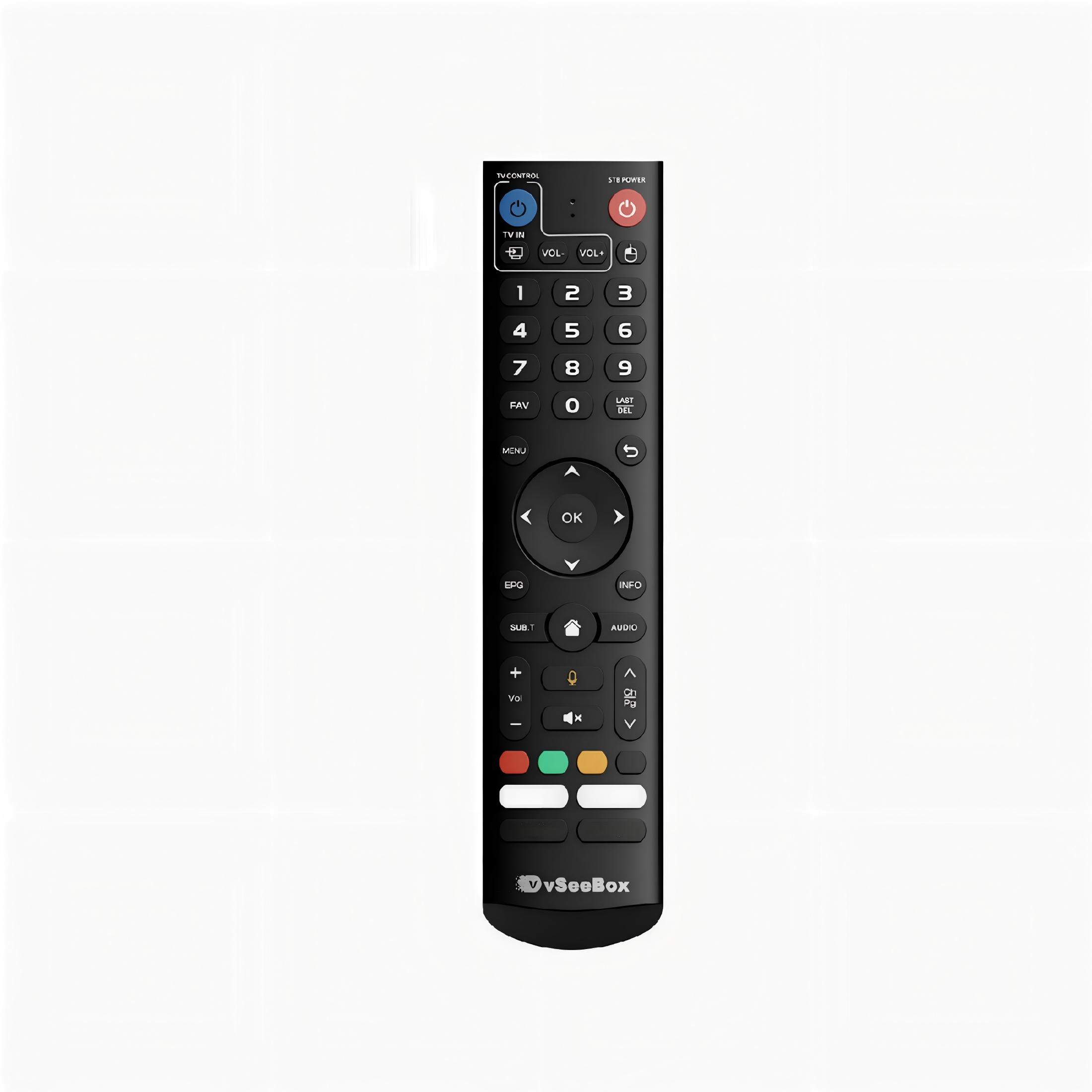
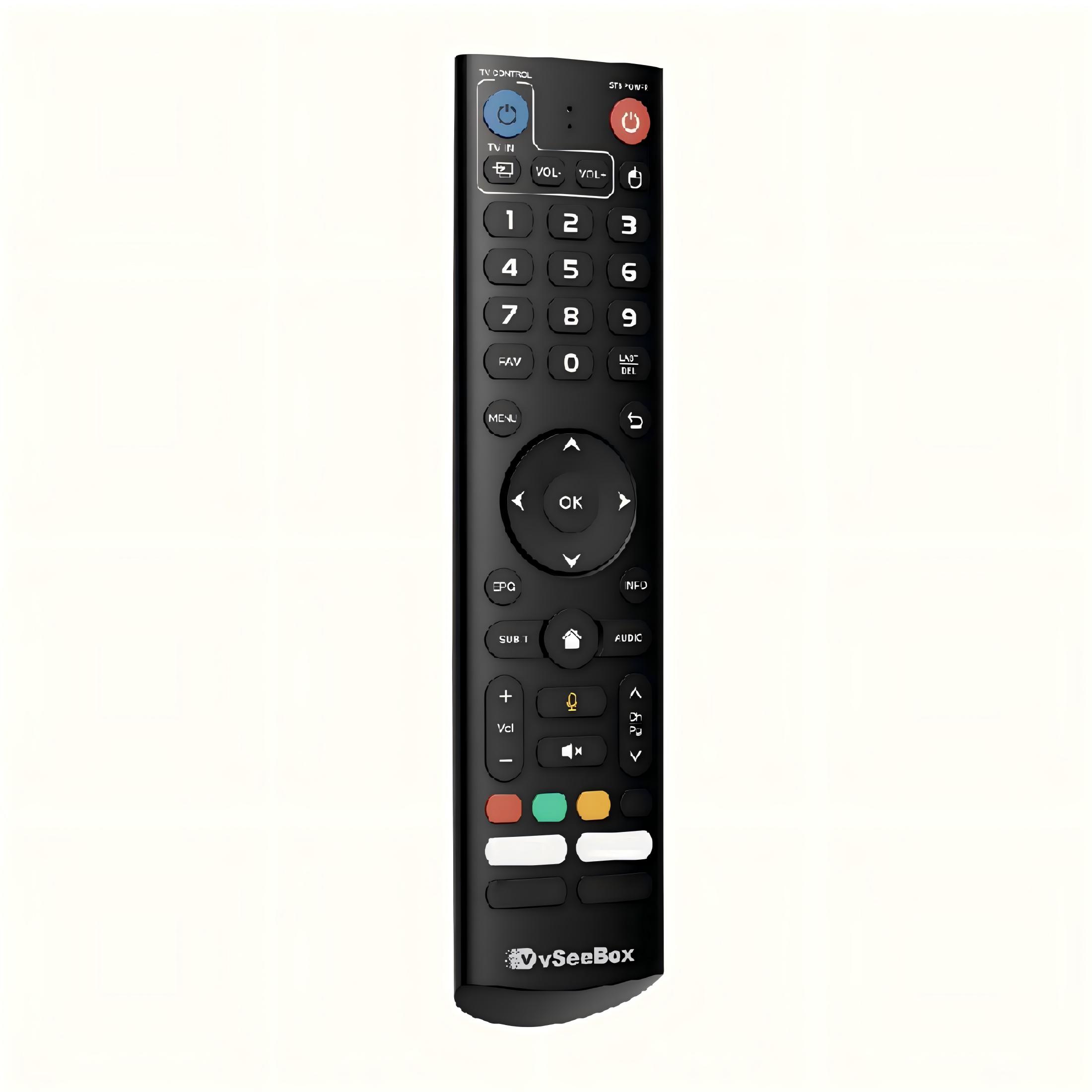
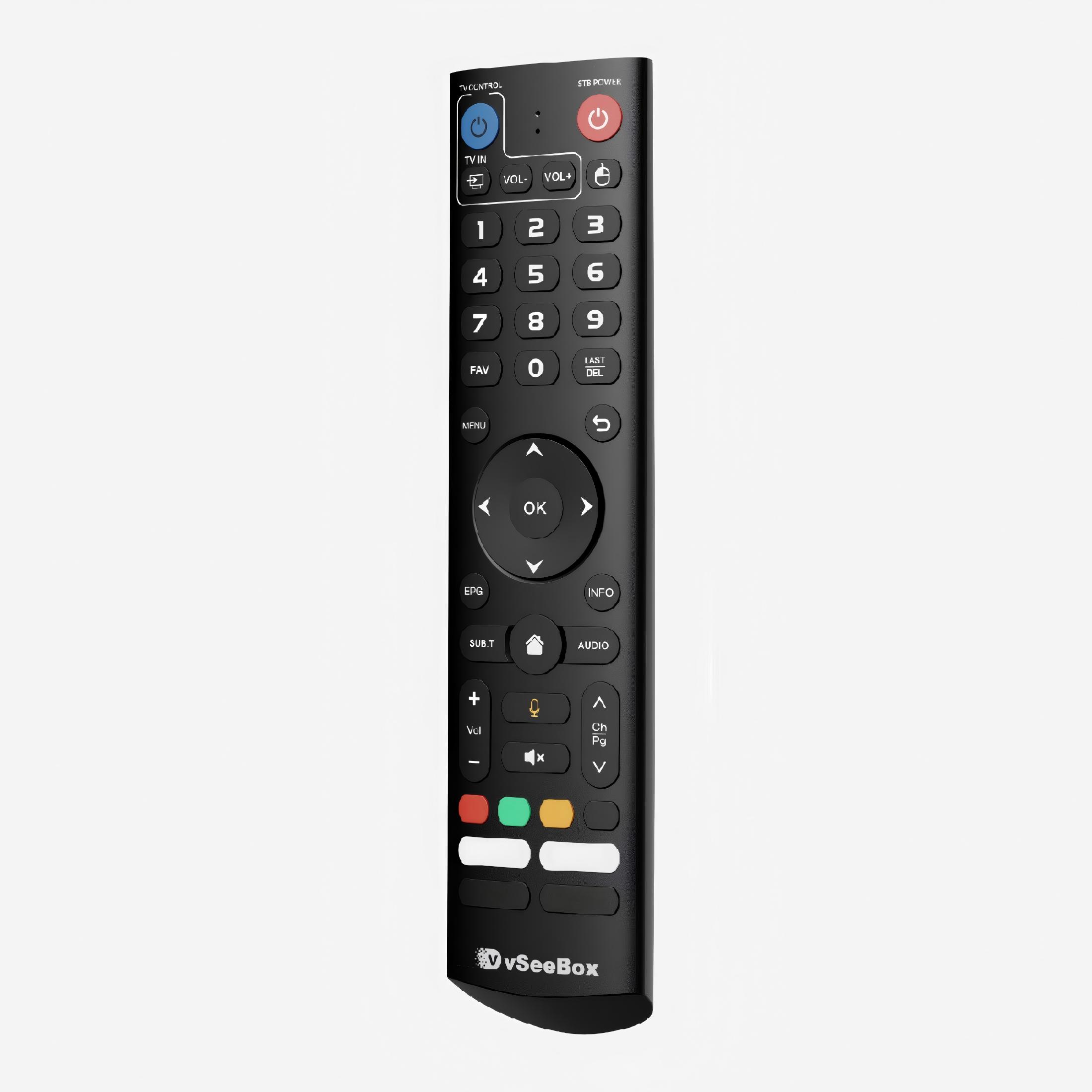
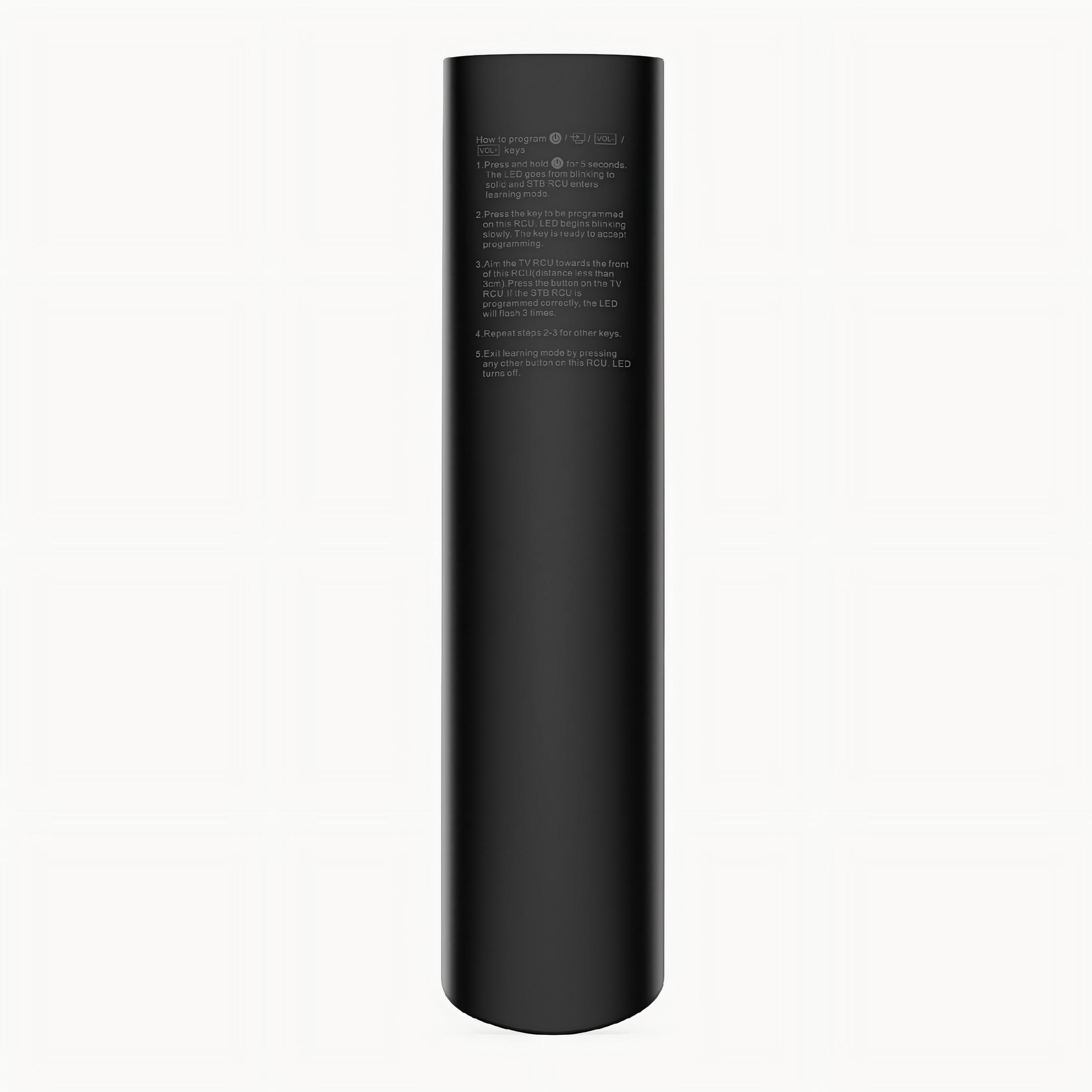
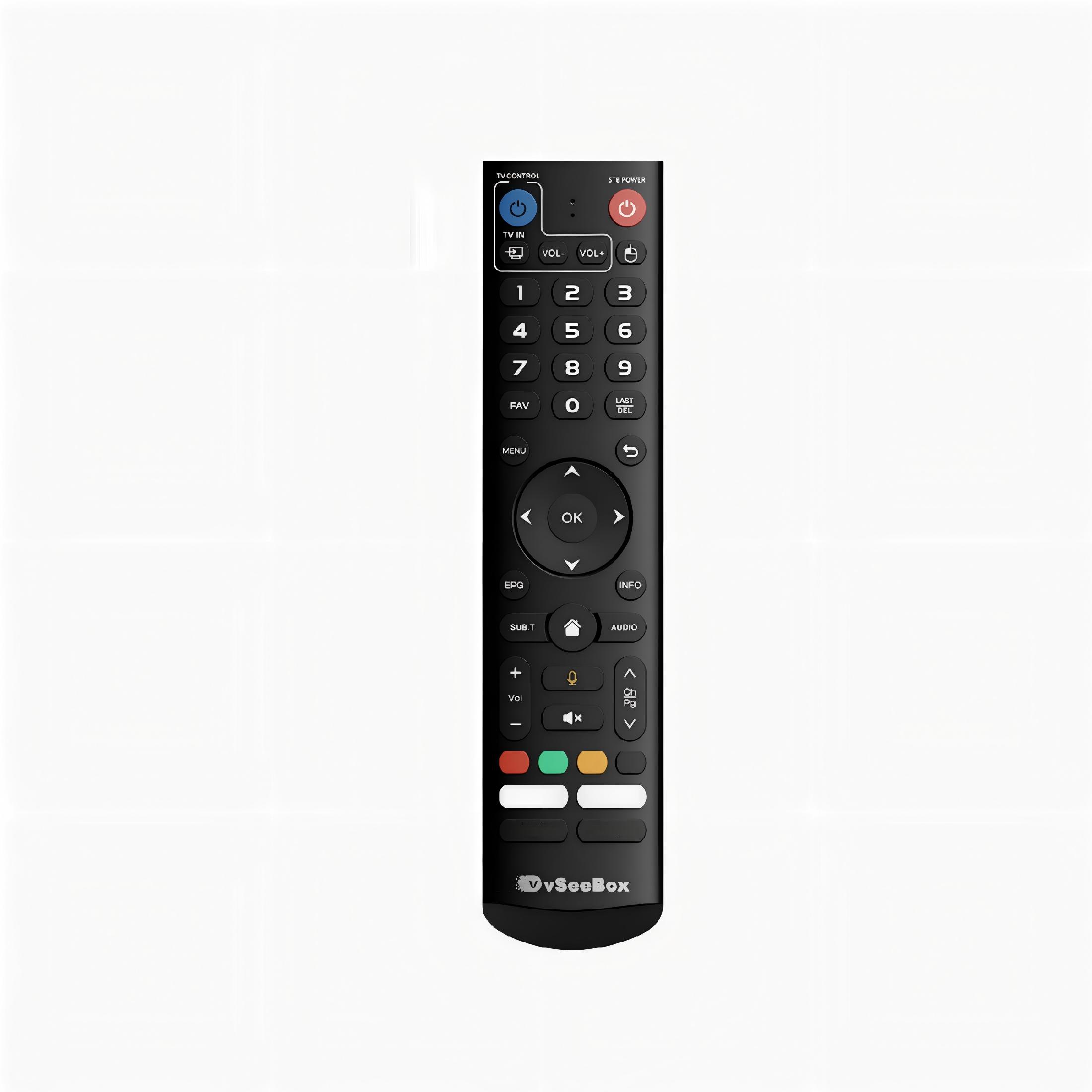
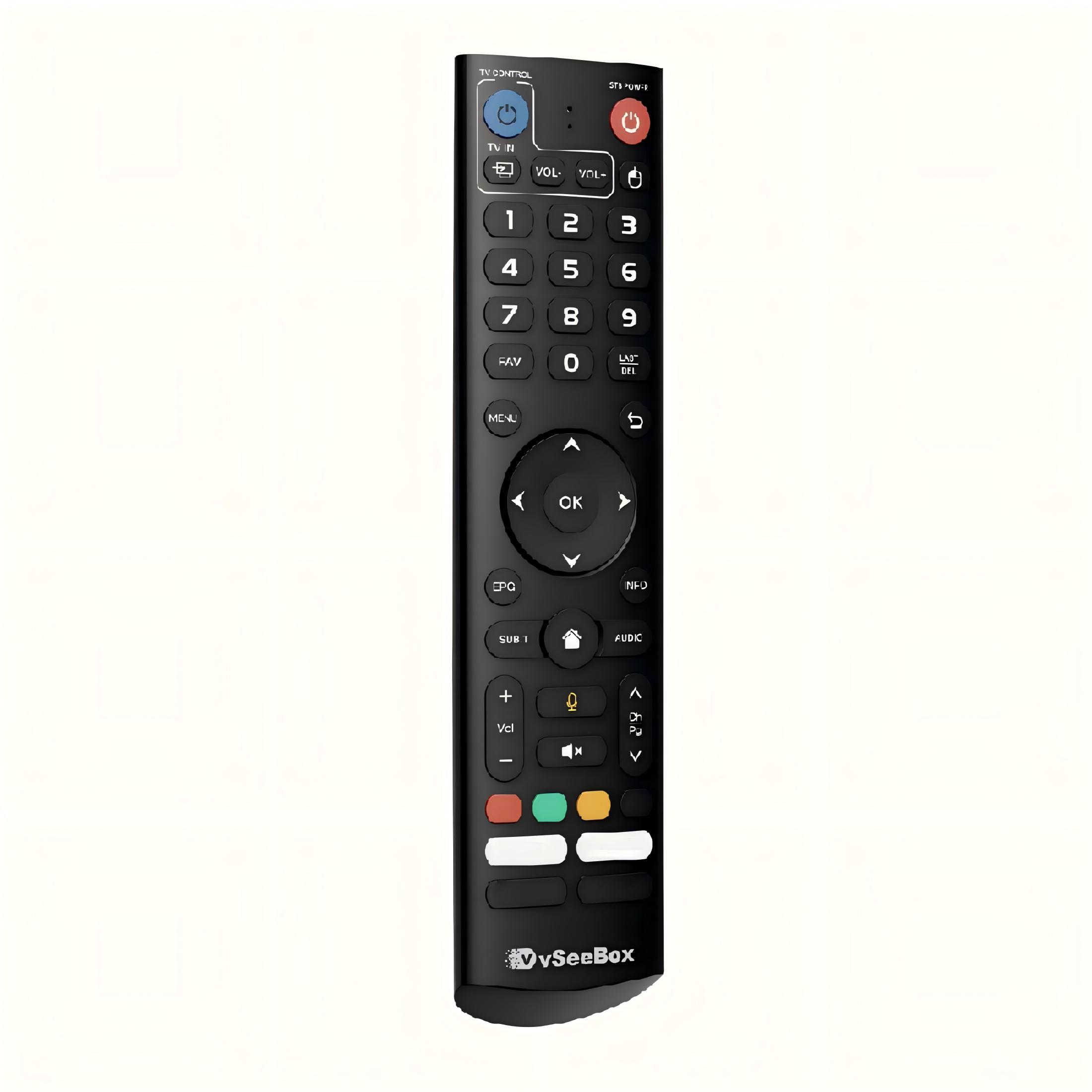
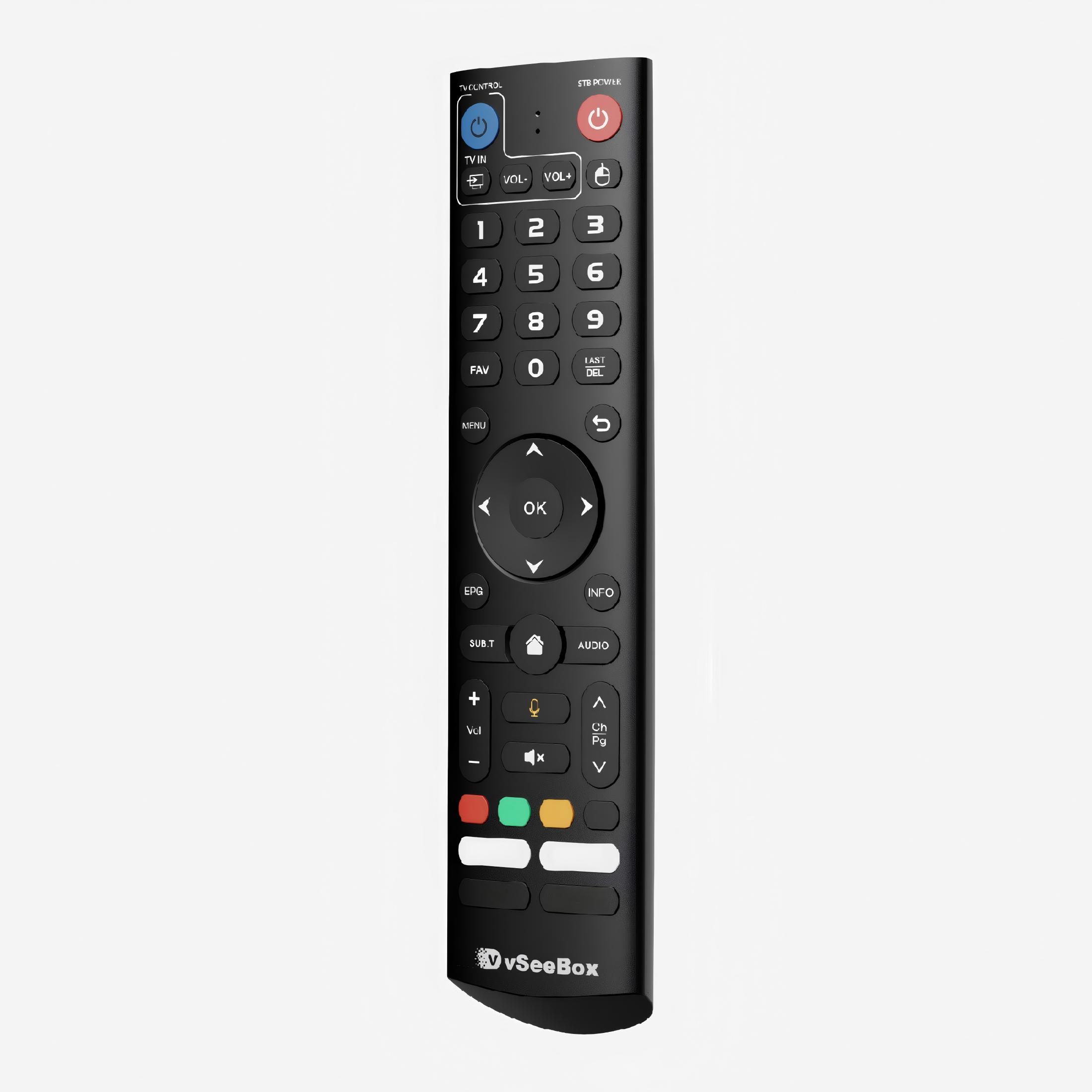
Original vSeeBox Voice Remote Control – Compatible with V2 Pro, V3 Pro, V5 Pro, Elite & Elite Ultra
The original vSeeBox remote provides flexible control options through both infrared and Bluetooth connectivity. The V5 remote can be switched to infrared mode for use with the V2, while Bluetooth pairing is available for compatible devices.
How to Switch to V2 Infrared Mode
To activate V2 infrared mode, press and hold the “5” button on the V5 remote. When the indicator light flashes once, the mode has been changed successfully. The remote can then be used in infrared mode with the V2.
Product Information
Features & Specifications
| Feature |
Specification |
| Additional Feature |
Backlit Design |
| Supported Devices |
1 Device |
| Compatible Devices |
DVD / Blu-ray Player |
| Connectivity |
Infrared & Bluetooth |
| Controller Type |
Voice Control |
| Maximum Range |
Up to 20 Meters |
Dimensions
| Item Dimensions (L × W × H) |
6" × 2" × 2" |
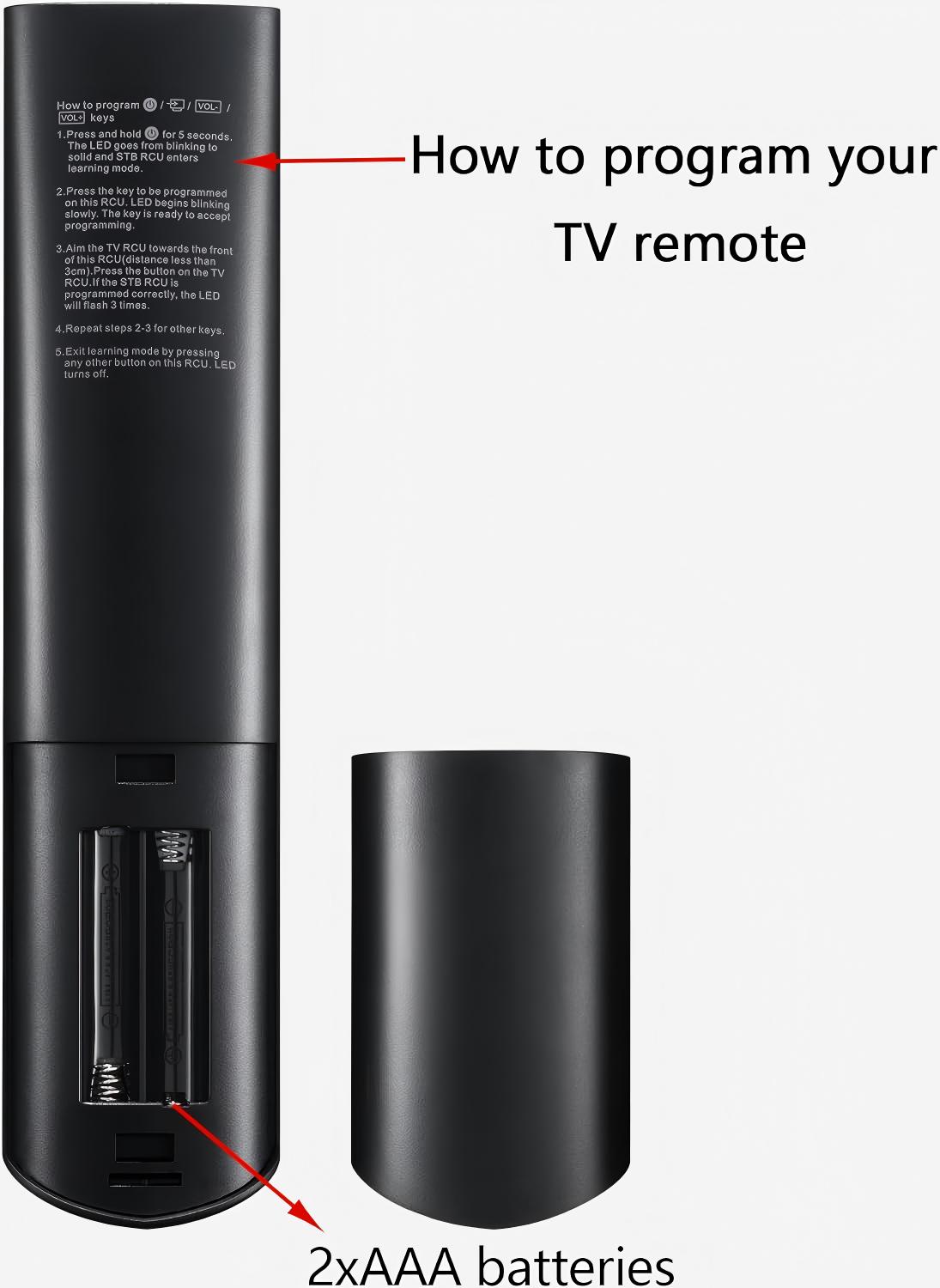
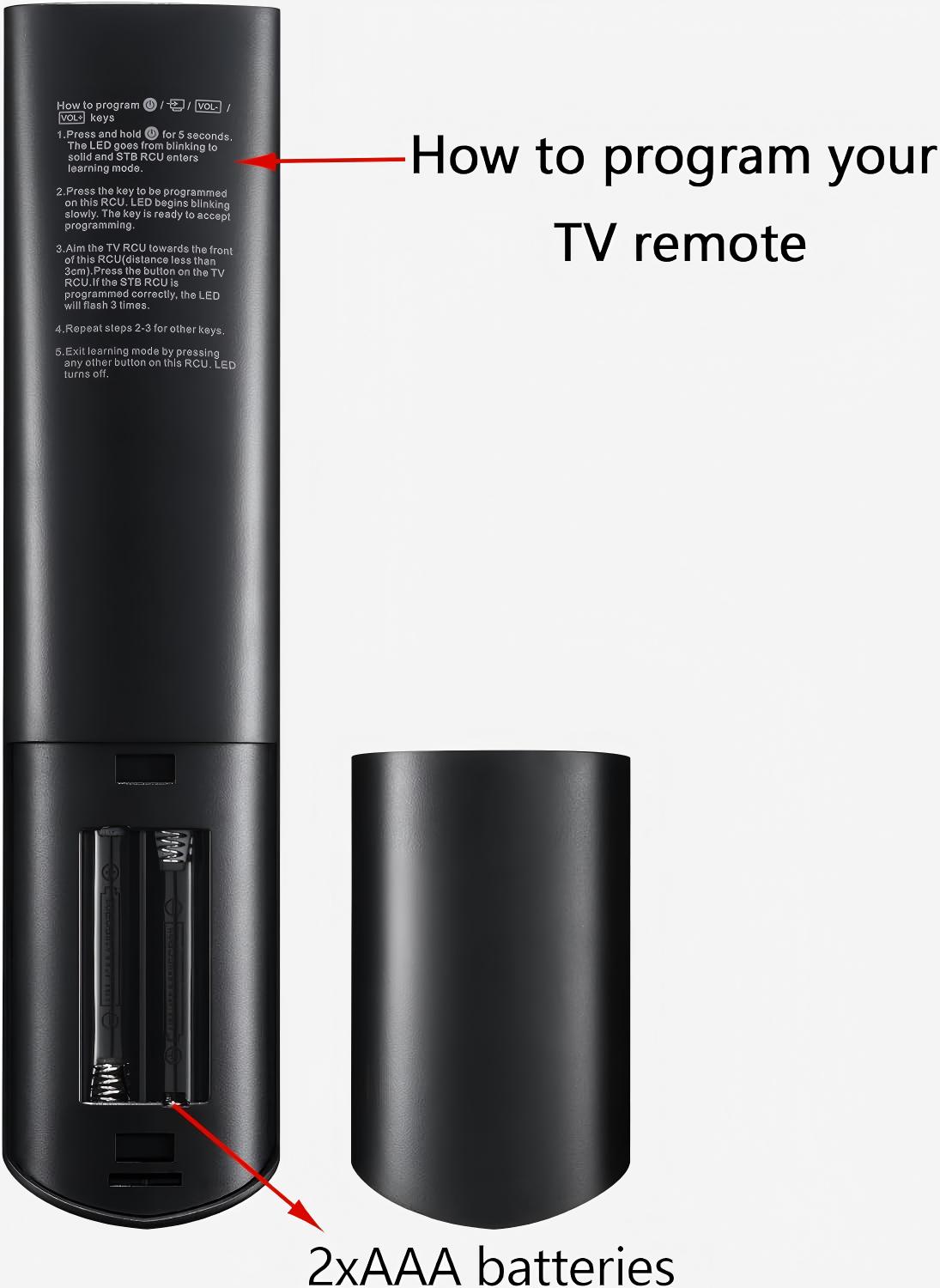
Battery: Requires 2 × AAA batteries (not included)
Package Includes:
1 × Remote Control
1 × User Manual
Warranty & Support
1-Year Official Warranty
30-Day Money-Back Guarantee
Professional Customer Support